When creating reports in RDL there may be cases where you want to represent data in a table, but table column are chosen by the user at the runtime. Assume you have no clue about how many columns will the user choose for the table and what kind of data will it represent.
Normal tables in reports require statically laid columns with statically defined expressions to populate data in them. Matrix comes handy in situations like these. I have explained how to use a matrix to create a table with dynamically populated columns using Business Intelligent Studio that comes with SQL Server Reporting Service (SSRS).
To use this feature database query should result in the following format.
| Employee ID (emp_id) | Column Name (col_name) | Column Value (col_value) |
| 1 | Name | John |
| 1 | Age | 25 |
| 1 | Designation | Software Engineer |
| 2 | Name | Smith |
| 2 | Age | 31 |
| 2 | Designation | UI Designer |
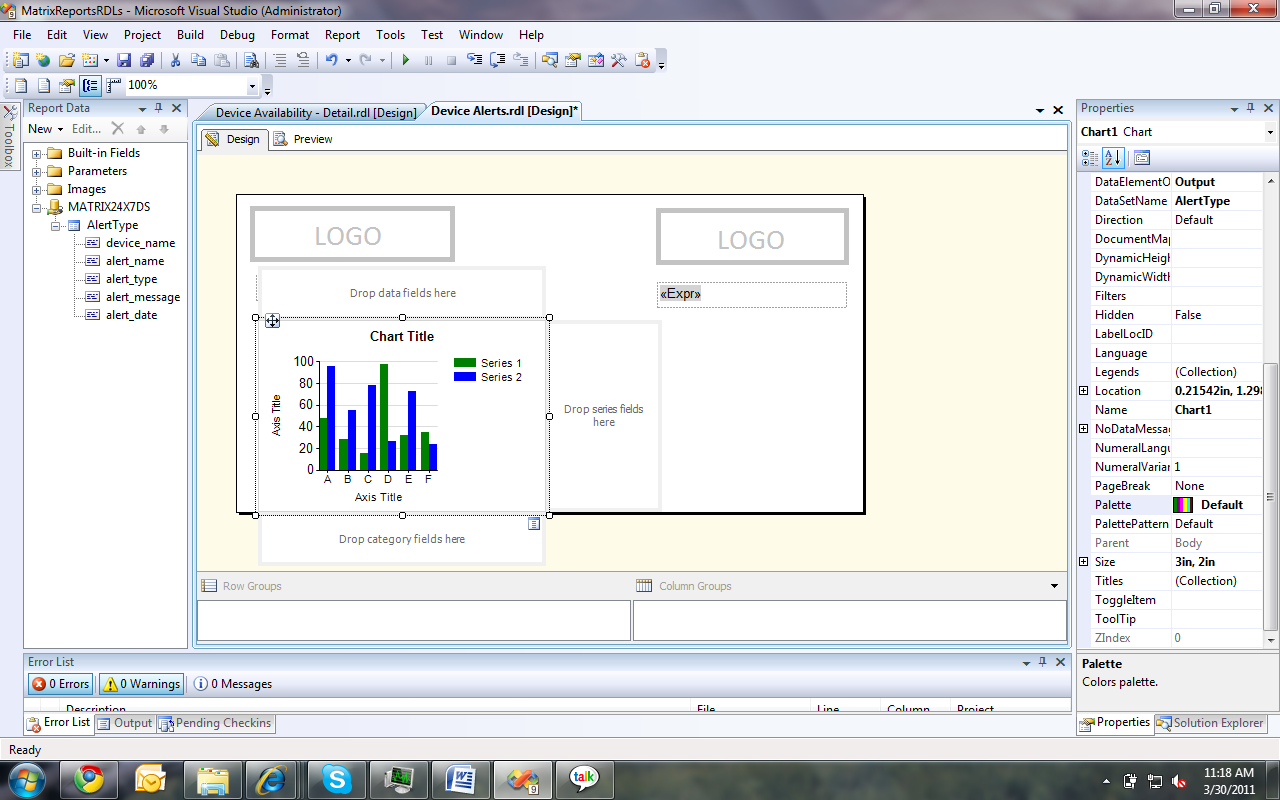
- Add a ‘Matrix’ from the toolbox to the canvas
- Set the necessary basic elements in the report. Such as Data Source, Data Set, Parameters, etc.
- In the newly added matrix insert a ‘Row Group’, and a ‘Column Group’ as follows,
- Row Group: rows should be group by employee id. In this case ‘col_name’. Hence no 2 employees can have same employee id. If it happens to be, then the initial employee records get overwrite by the second employee who has the same id value.
- Column Group: columns should be group by column name. In this case ‘col_name’. Hence no 2 columns can have the same name.
- Cell value should be the data value that satisfies both Column and Row Group conditions. In this case ‘col_value’.
| Employee ID <- This is a text box | col_name <- Column Name field |
| emp_id<- Employee ID field | col_value <- Column Value field |
Now when this RDL is deployed and viewed, it will output a table as follows,
| Employee ID | Name | Age | Designation |
| 1 | John | 25 | Software Engineer |
| 2 | Smith | 31 | UI Designer |
Hence no knowledge is required on number of columns or their content when creating this kind of tables.